Mirage Vault runs your booth at card shows: a register on your iPhone, a kiosk your customers browse, and your stock online wherever you are. No computer needed at the table.

Your iPhone rings up sales, a tablet shows customers what's in your binders, and a small printer makes barcode labels. That's the whole setup.
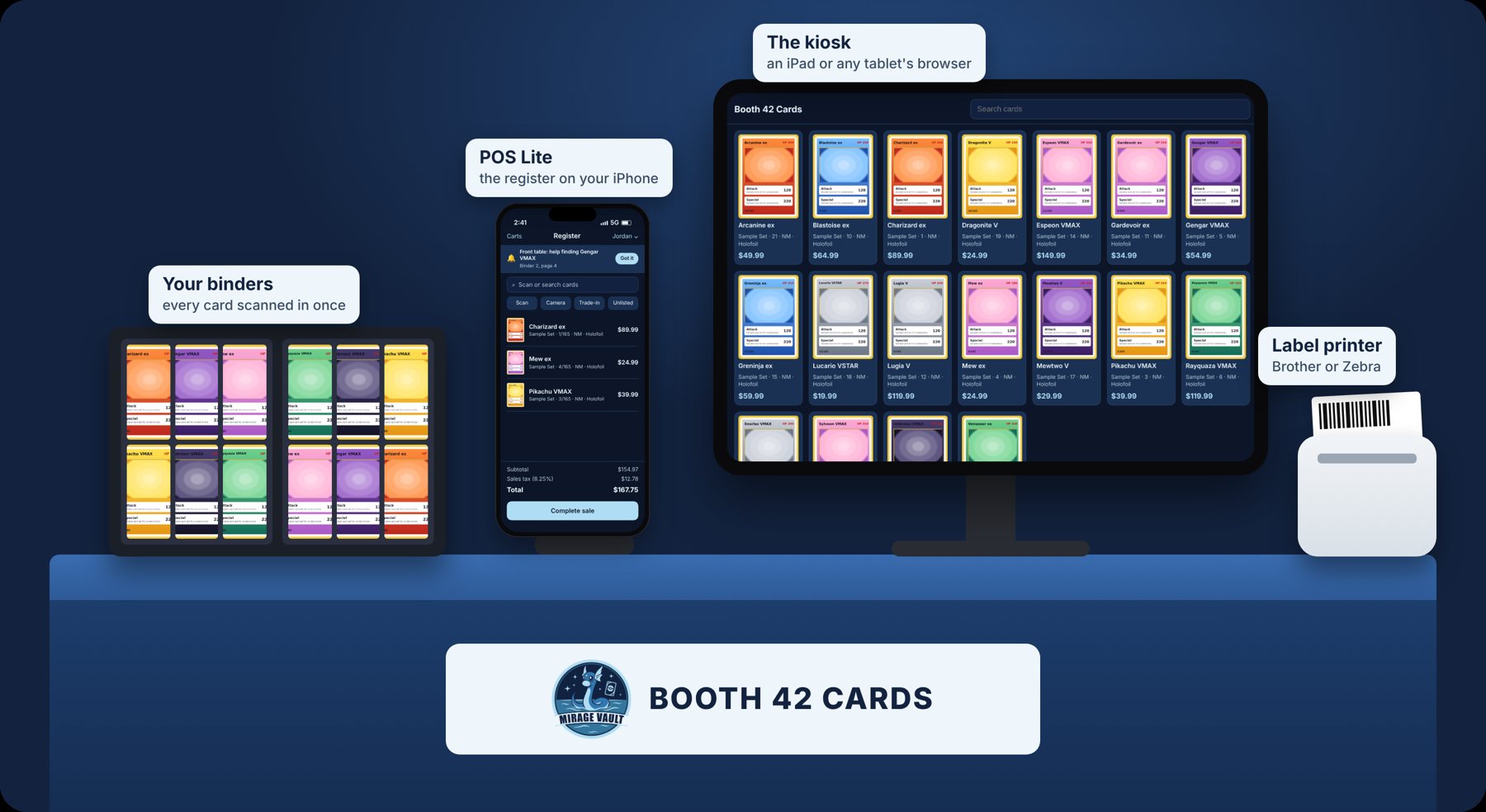
Scan, sell and get pinged when a customer needs you.
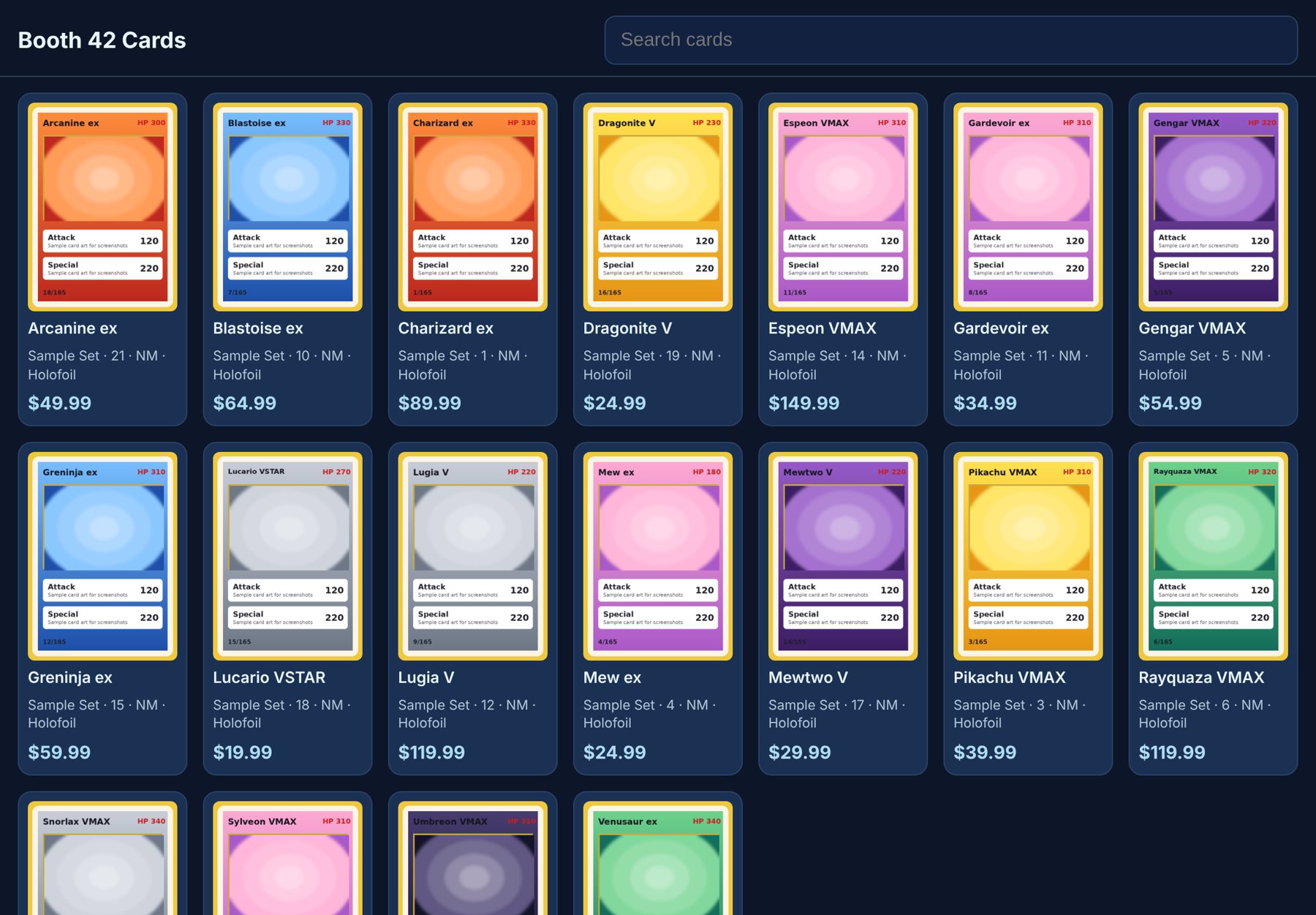
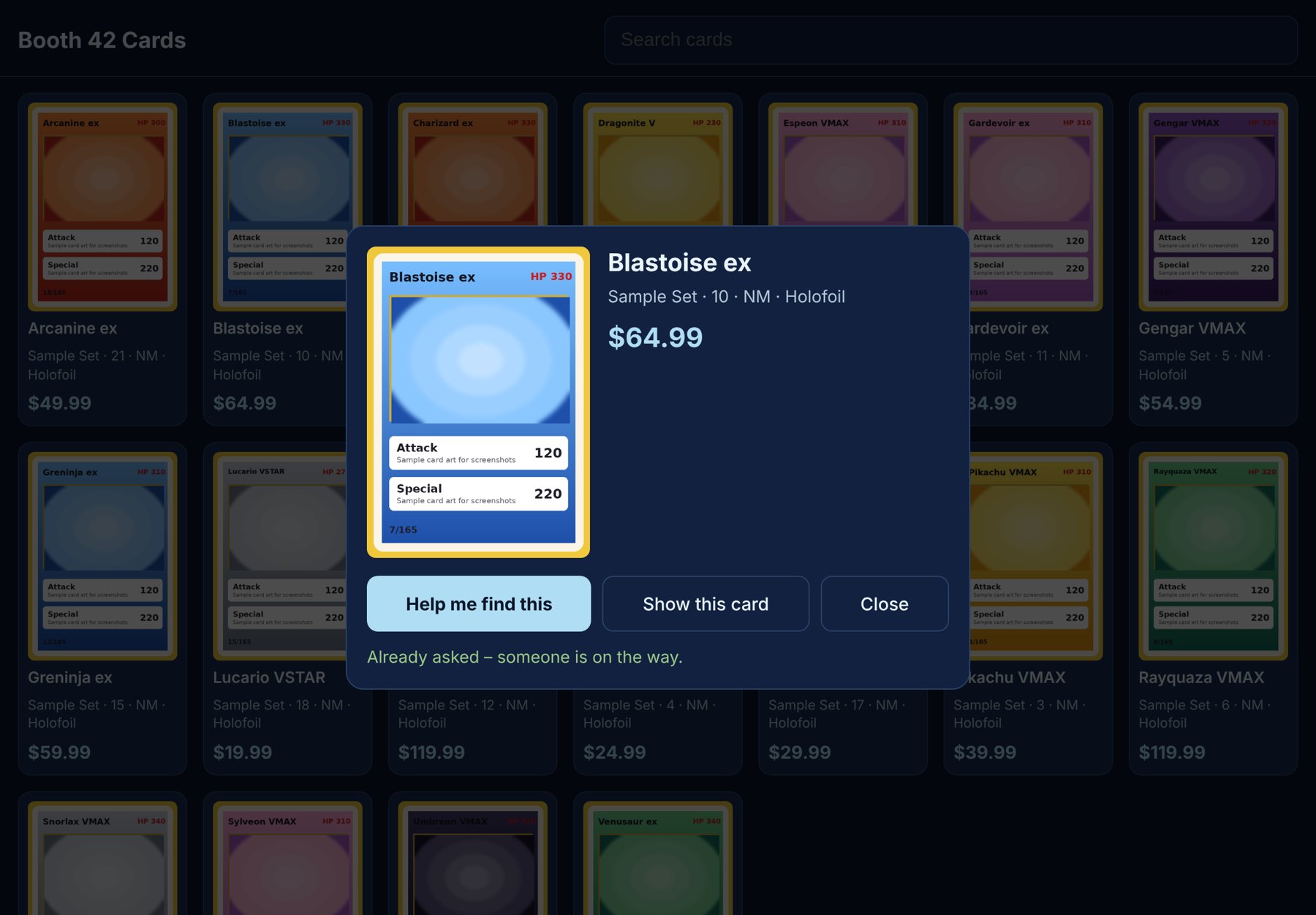
Every card you have in stock, with pictures and prices, on an iPad or any tablet's browser. Customers search, tap a card, and ask you to bring it over.
Log in on a laptop to add cards, change prices in bulk, set up sellers and kiosks, plan shows and download your sales.
Log in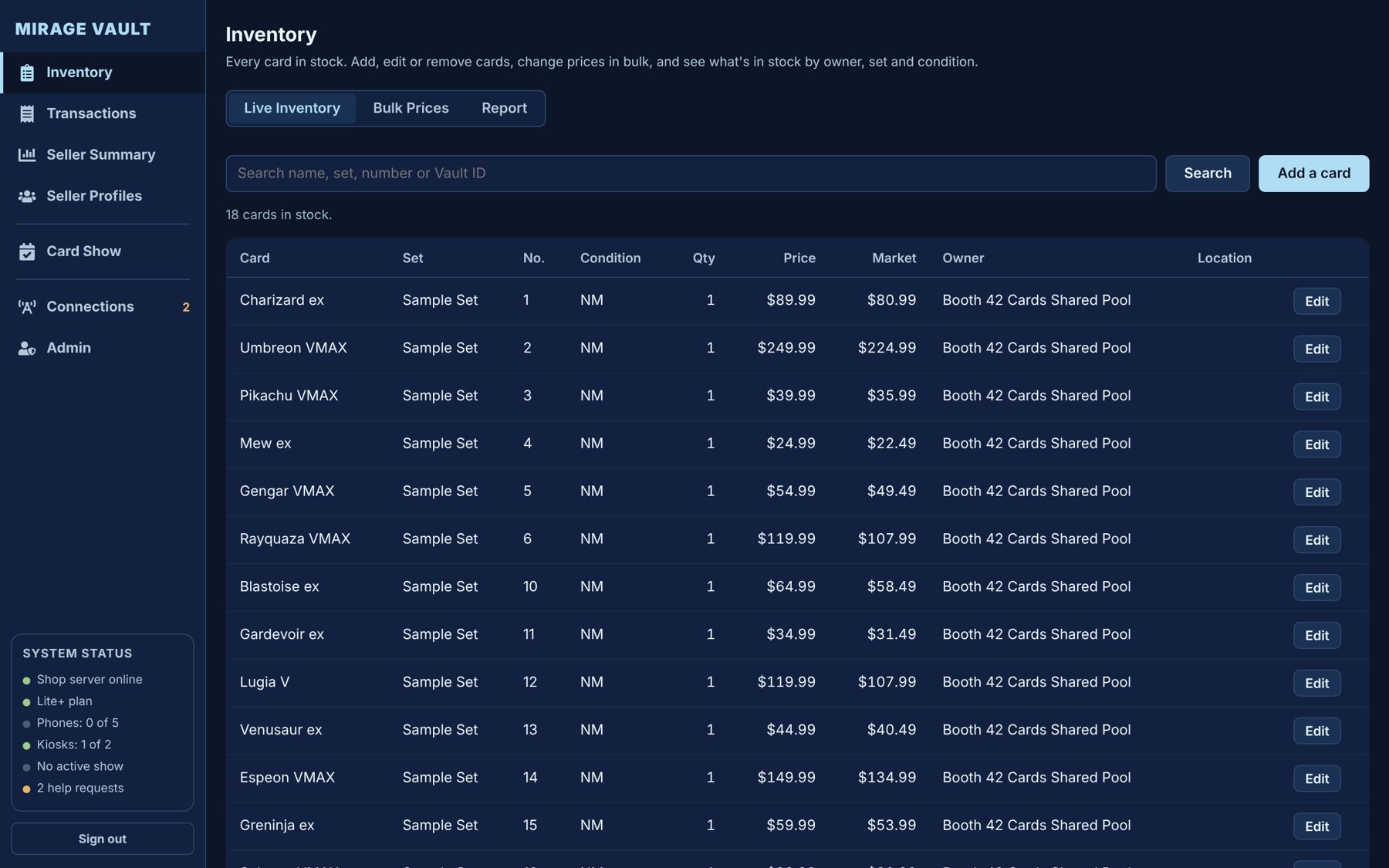
The kiosk and the browser pictures are real screenshots of a test shop. The POS Lite screens are drawn to match the app. Card pictures are sample art.
Built by a card shop, for the way vendors actually sell: busy weekends, spotty Wi-Fi and a table full of binders.
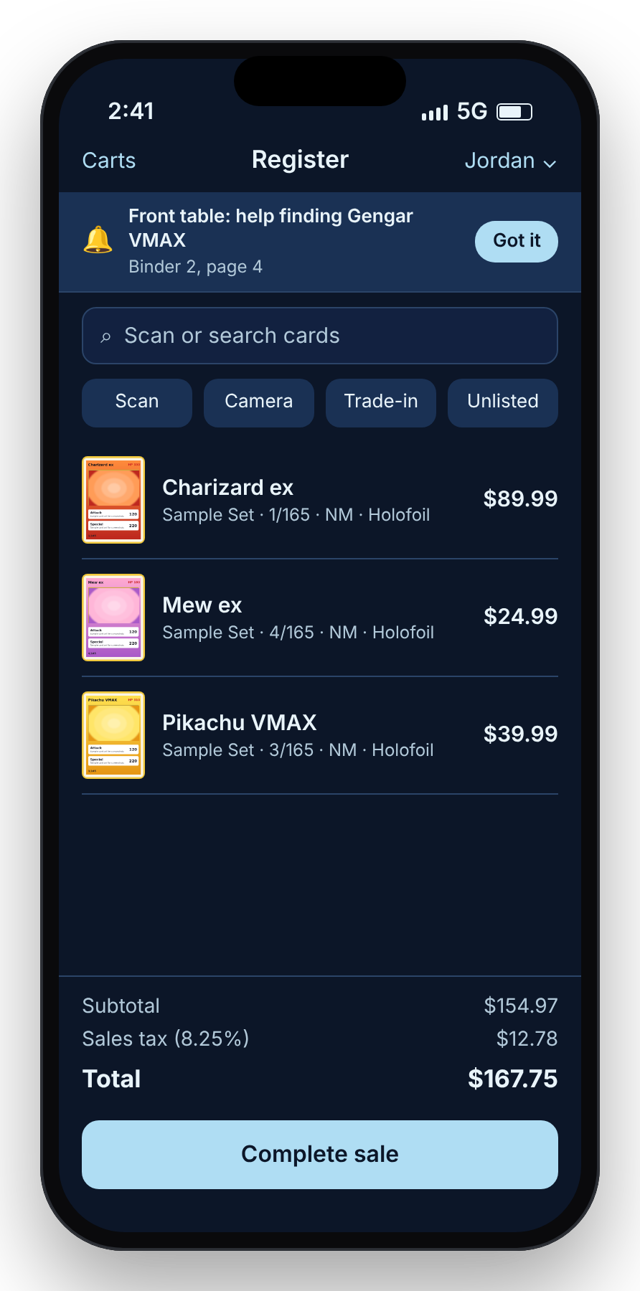
Scan a card's barcode or search, and ring up cash, card or a QR payment. Several phones can share one cart at a busy table.
Convention halls drop out. Keep selling offline for up to two days; sales catch up as soon as you're back online.
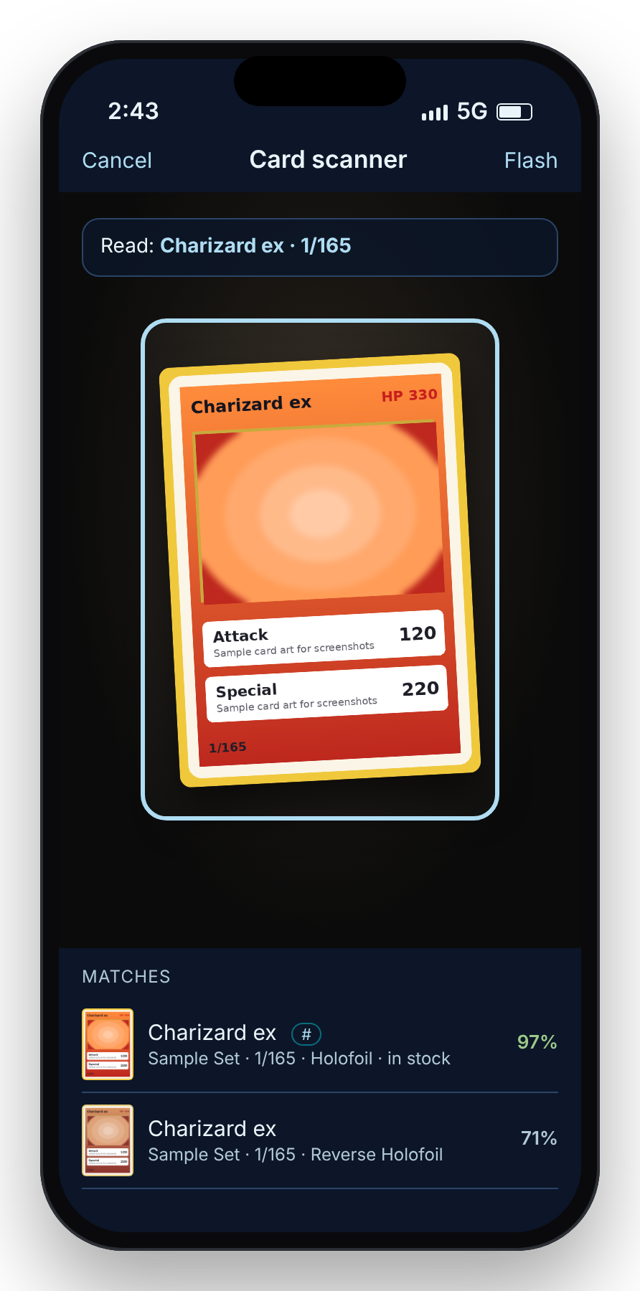
Point the camera at a card. It reads the name and number (“125/197”) and finds the right printing, even in a sleeve.
An iPad, or any tablet's browser, shows your stock with pictures and prices, so customers browse while you sell.
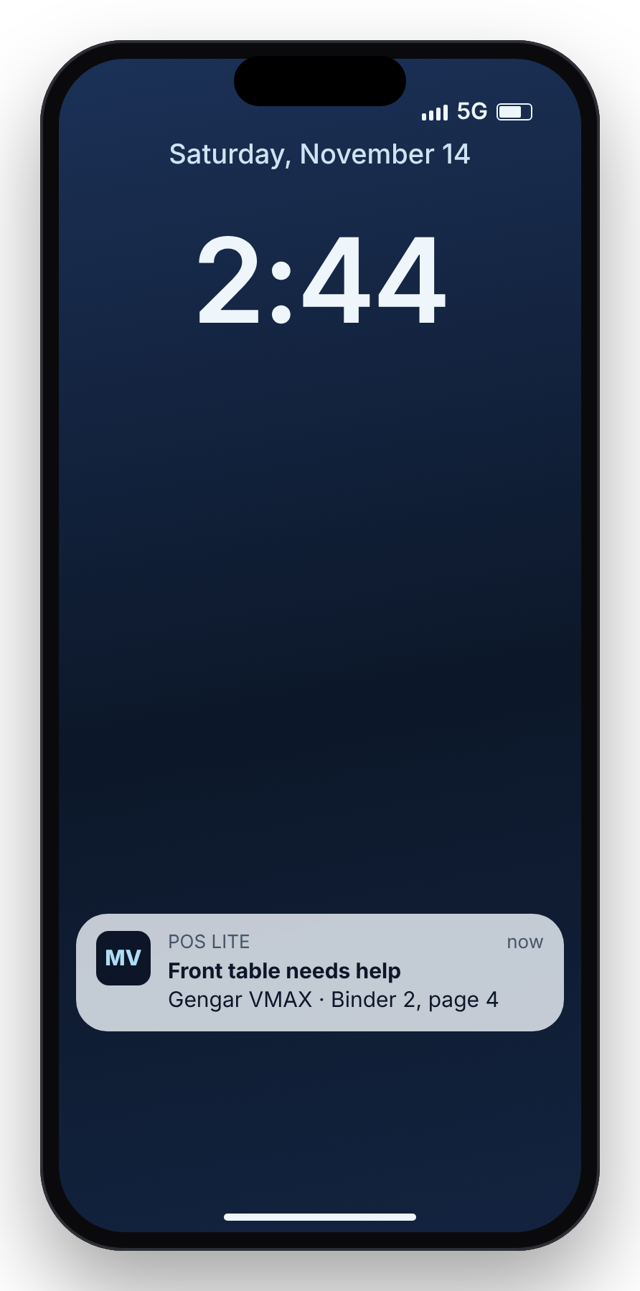
A customer taps a card on the kiosk and your phone buzzes with where it is, even when it's locked in your pocket.
Print card labels from your phone on a Brother QL-820NWBc or a Zebra ZQ220 Plus.
Plan your shows, see what sold at each, and share recap and “next show” pictures in a tap.
Up to five owners at one table. Every card knows whose it is, and payouts show what each owner is owed.
Log in here on a laptop to add cards, change prices in bulk, manage sellers, kiosks and shows, and download your sales.
Backed up every night, with sign-in limits, PINs for each seller, and a permanent record of every change.
No installer, no server, no computer.
Pick a plan and sign up from POS Lite on your iPhone or on this site. About two minutes.
Scan them with the camera or search the catalog. Prices can come from your own pricing tiers.
Open the kiosk on an iPad or a tablet's browser and type the 6-digit code from your phone.
Ring up sales at the table, online or off. Everything shows up here and on every phone.
Lite for a solo table, Lite+ for a crew.
Compare plans